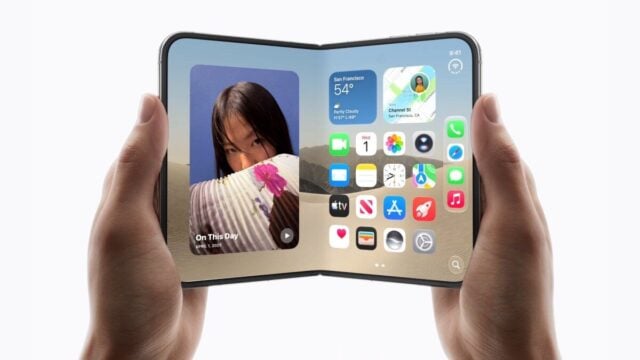
iPhone Duo Adds Apple Watch Unlock to Skip Touch ID Scans
iPhone Duo owners can use an Apple Watch to unlock the phone without touching its side-mounted Touch ID sensor. MacRumors says the feature requires a supported…
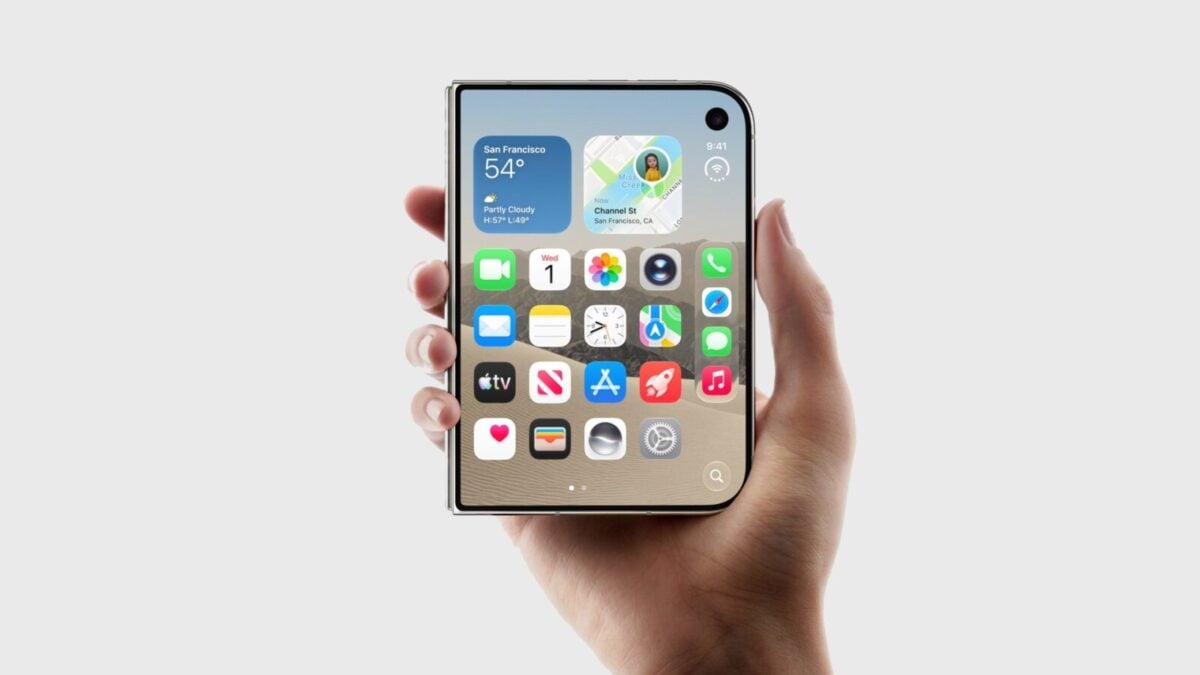
iPhone Duo users can skip the Touch ID scan by unlocking the phone with an Apple Watch, avoiding the side button’s fingerprint sensor. The feature, called Unlock with Apple Watch, needs to be switched on in Settings, and the watch must be worn, unlocked and close to the phone.
One swipe remains. Users still need to dismiss the Lock Screen by swiping up unless they turn off that extra step in Settings.
Which Apple Watch models work
MacRumors reports the feature supports Apple Watch Series 9 or later, Apple Watch Ultra 2 or later, and Apple Watch SE 3. The instructions were published in a how-to article on October 25, 2026.
To enable it, open Settings on iPhone Duo and tap Touch ID & Passcode. After entering the passcode, scroll to “Unlock with Nearby Devices” and switch on the option beside the Apple Watch. If more than one watch is paired, the setting can be enabled for each one.
Once configured, the wearer raises the phone or taps its screen to wake it. Opening the device also wakes it if it is closed. The user then swipes up from the bottom edge to leave the Lock Screen; the nearby watch handles authentication instead of Touch ID.
What changes for iPhone Duo owners
The setup offers an alternative for people who prefer not to use the side-mounted sensor every time they unlock the phone. It does not remove the Lock Screen swipe by default, so unlocking still involves a gesture even when the watch performs authentication. MacRumors says users can disable that additional step in Settings.
The feature is not new to iPhone, according to MacRumors, but the article presents it as a way to make authentication on iPhone Duo feel closer to Face ID. The report does not say that the watch method works for passwords or Apple Pay, so it does not establish whether it replaces authentication for those functions.
Readers responding to the article raised questions about support on Apple Watch Ultra 1 and whether the feature applies to passwords and Apple Pay. Those comments do not confirm compatibility or broader uses. The setup guidance names Apple Watch Series 9 or later, Ultra 2 or later, and SE 3.
For owners who meet those requirements, the practical trade-off is straightforward: the watch can take over the fingerprint check, but the user may still need to swipe away the Lock Screen.
Source: macrumors.com