How to Submit a Desil Objection via the Cek Bansos App in 2026
Learn how the Cek Bansos app lets residents submit Usul and Sanggah requests to fix social aid data accurately and for free.
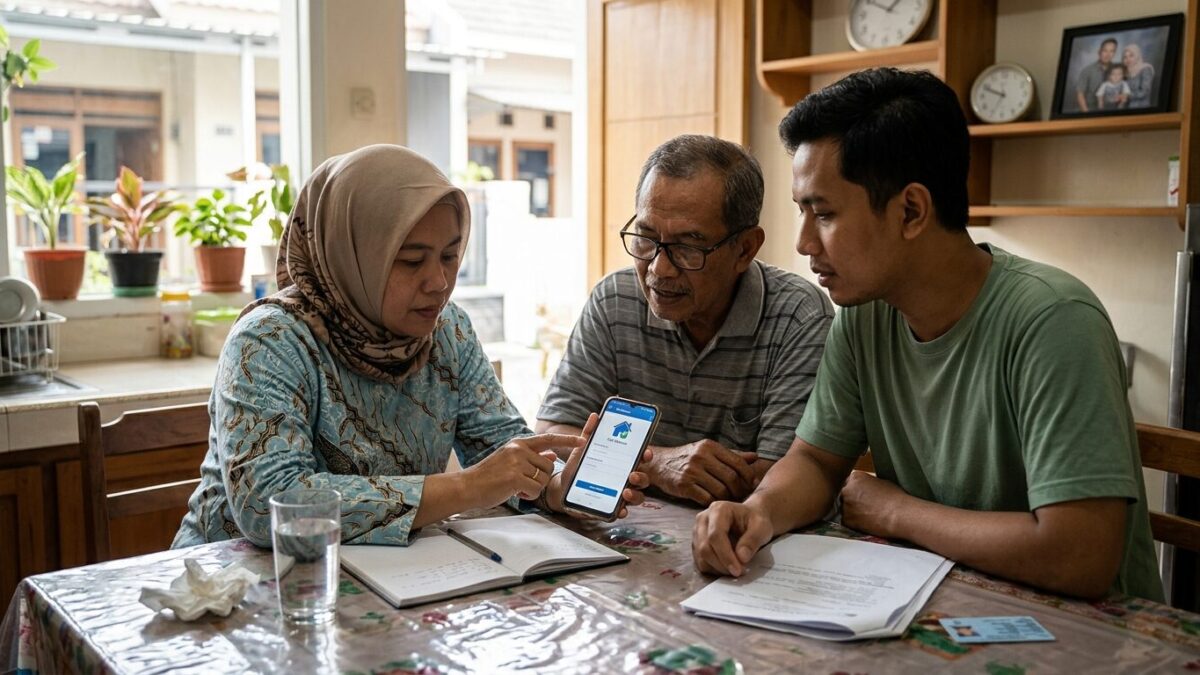
JAKARTA, JOURNALARTA.COM - Low-income residents whose names do not appear on cekbansos.kemensos.go.id can now apply to be included in the National Socioeconomic Single Data (DTSEN) directly through the Ministry of Social Affairs' Cek Bansos app, with no broker and no fee. On the other hand, residents who know a neighbor is already financially secure but is still listed as a benefits recipient can also report that data mismatch from their own phones.
These two features, Usul and Sanggah, are the Ministry of Social Affairs' official mechanism for improving the accuracy of social assistance recipient data. Many people still do not know the features exist, even though the impact is immediate: who deserves aid, and who should be removed.
Usul vs Sanggah: What Is the Difference?
Before getting into the technical steps, it helps to understand what each menu is for.
| Menu | Who It Is For | Purpose |
|---|---|---|
| Usul | Low-income residents not yet listed in DTKS/DTSEN | Submit a request to be surveyed by BPS/Social Affairs Office |
| Sanggah | Residents who are financially secure but still listed as beneficiaries | Report them so they can be removed from DTKS |
The Usul feature does not guarantee immediate aid. It is only the entry point so officers can go into the field and verify the family's actual condition. If the survey is approved, the data enters DTKS and can be considered for assistance such as the Family Hope Program (PKH), BPNT, or other programs based on the poverty decile.
Documents You Need to Prepare
The first step is simple: download the Cek Bansos app from the Play Store or App Store and make sure the developer is the Indonesian Ministry of Social Affairs, not a fake app.
Create an account using your National ID number, Family Card number, a photo of your ID card, and a selfie. The account must be verified before you can access either the Usul or Sanggah feature.
For a Usul request, prepare a clear front-view photo of your house, a photo of your ID card, a photo of your Family Card, and if available, a certificate of financial hardship from the neighborhood head or local RT/RW. The more complete the evidence, the stronger the application.
How to Submit an Usul Request If You Are Not Yet Listed
Log in to the app. On the home screen, select Usul, then tap Usul DTKS. Enter the National ID number of the family member you want to register.
Fill in the form with your full name, address as shown on the ID card, number of household members, occupation, and estimated monthly income. Be honest here. Social Affairs and BPS officers will visit the home to verify the information directly.
Upload the supporting photos you prepared earlier. Then tap Submit Request.
You can track the status of the application in the Usul menu under Application Status. If approved after the field survey, the family data will be entered into DTKS/DTSEN in deciles 1 through 4, depending on the economic assessment.
How to File a Sanggah for Incorrect Aid Data
Open the app and choose Sanggah. Type in the National ID number or name of the person you want to report. The system will show the data if that person is indeed recorded in DTKS.
Choose the reason for the objection, such as being financially secure, owning more than one vehicle, being an active civil servant, or another factual reason.
Upload supporting evidence: house photos, vehicle photos, or other relevant proof. Strong evidence helps speed up verification by the local Social Affairs Office. If the objection is found valid, the person's name will be removed from DTKS.
How Long Does It Take?
It is not instant. The Ministry of Social Affairs says verification and DTSEN data updates are carried out periodically, averaging 30 working days from the time the application is received by the system.
Track the progress in the app through the Usul/Sanggah menu under History. If approved, the DTKS data will be updated automatically without the need to submit again.
Tips to Keep Your Request from Being Rejected
Enter the data as it is. Do not exaggerate, because officers will visit the location and compare the real conditions with the information you submitted.
Make sure the photos are sharp and bright. Blurry or irrelevant images can become a technical reason for the application to be returned.
Tell the local RT/RW before submitting an Usul request. When Social Affairs officers come for the survey, the RT/RW needs to be able to confirm the family's condition. If they are not informed, the process may be delayed.
Check the application status at least once a week. Sometimes there are notifications about missing documents.
FAQ: Common Questions
Is there a fee to submit an Usul or Sanggah request? No. It is completely free. If anyone asks for payment claiming to help with the process, that is a broker. Report it to the local Social Affairs Office or call the Ministry of Social Affairs hotline at 171.
If the application is rejected, can I try again? Yes. Fix the data and strengthen the evidence, then resubmit after three months.
What if the village officials do not respond to the report? Contact the Regency/City Social Affairs Office or the Ministry of Social Affairs hotline at 171. Do not stop at one office.
Accurate data is the foundation of targeted social aid. The Usul and Sanggah features in the Cek Bansos app are the most official and direct way to help improve data from the ground up, without lining up at an office and without middlemen.