10 Tips to Buy a Used iPhone Safely in 2026
Used iPhone shopping in 2026? Check these 10 must-do tips, from IMEI and iCloud to battery health, screen, and market prices.
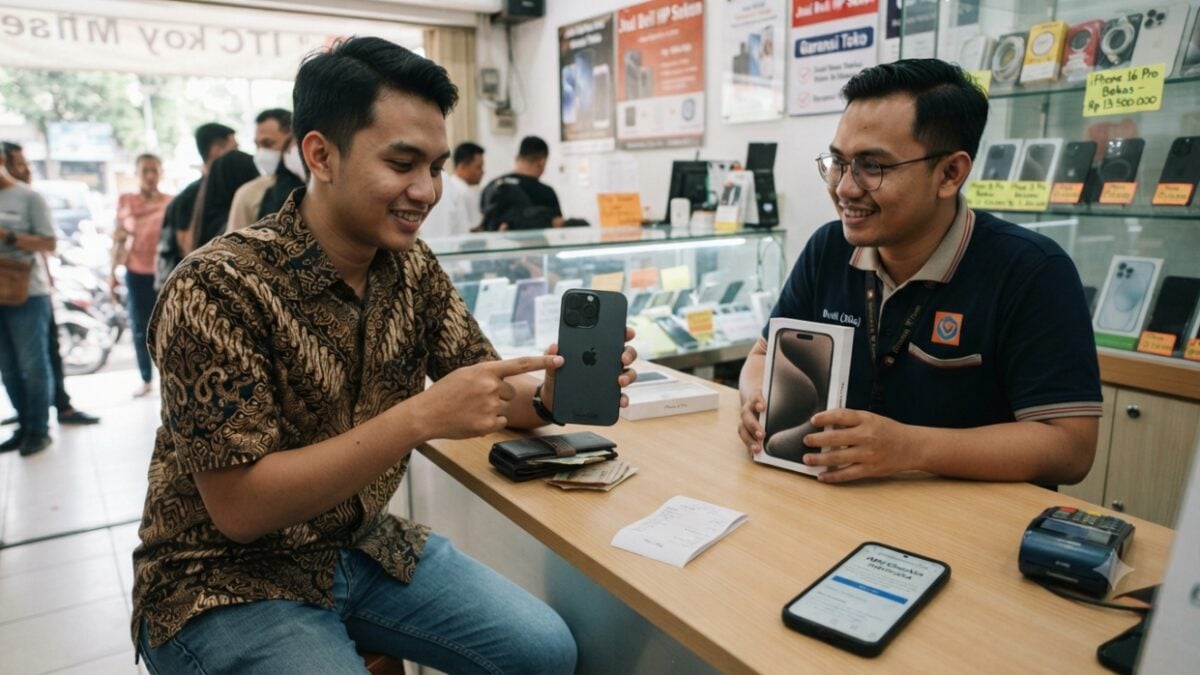
JAKARTA, JOURNALARTA.COM - Rising prices for new iPhones are pushing many consumers to look at used devices. But this decision carries high risk: scams involving refurbished units, black market (BM) goods, or iPhones locked by iCloud. To avoid losses, there are 10 essential tips you must apply when buying a used iPhone.
Demand for used iPhones continues to rise. Data from market research firm Counterpoint Research in 2023 showed the global used phone market grew 13% YoY, with iPhone dominating most of that market share. This indicates both an opportunity and a challenge for consumers.
10 Safe Tips for Buying a Used iPhone in 2026
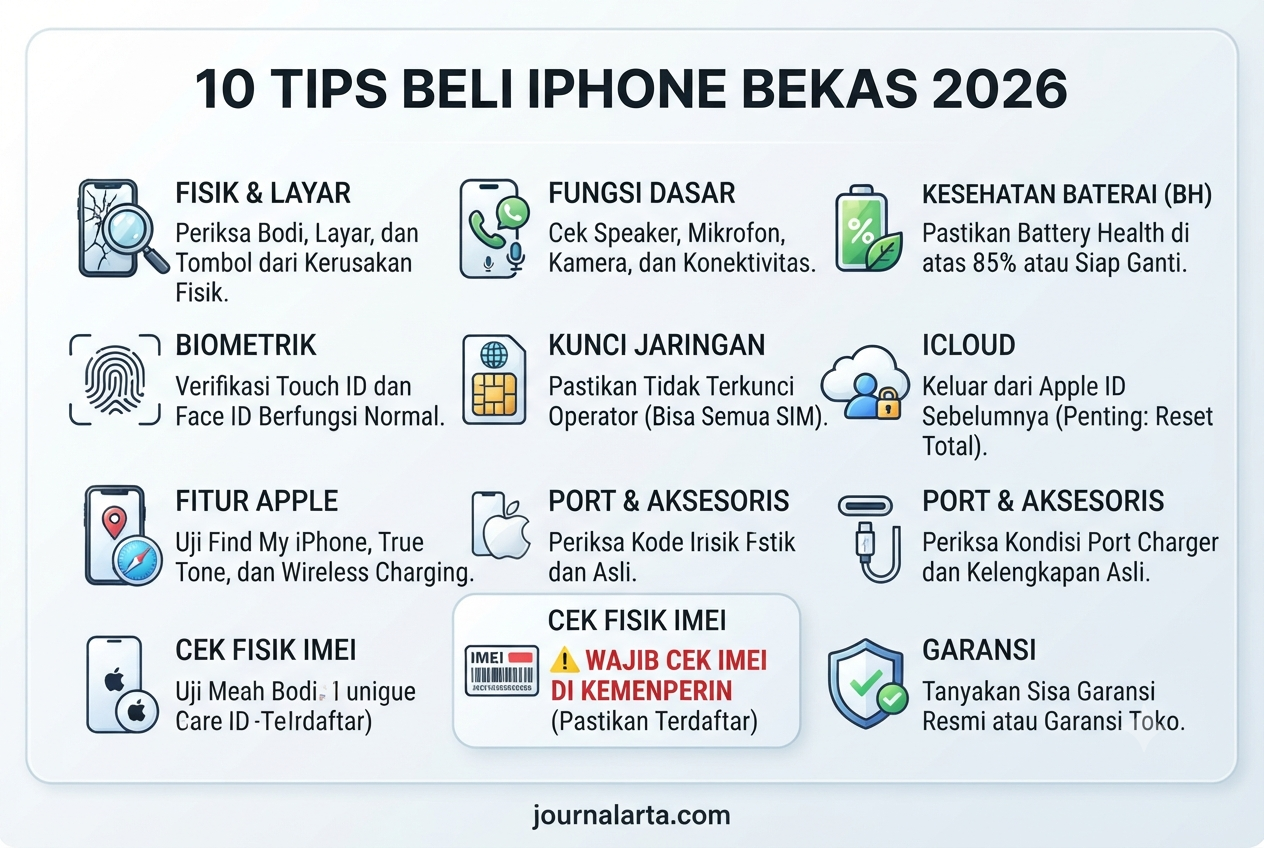
Buying a used iPhone requires extra caution. These steps will help ensure the device is authentic, works properly, and does not cause problems later.
1. Verify the IMEI on the Official Ministry of Industry Website
This is the most crucial step. Visit imei.kemenperin.go.id, then enter the iPhone IMEI number. If the status shows "IMEI Terdaftar," the device is official. However, if it shows "Tidak Terdaftar," it is a BM iPhone and is at serious risk of being blocked from the network at any time by the government.
2. Check iCloud Status / Activation Lock
Perform a device reset at the transaction location. Go to Settings > General > Reset. If the iPhone still asks for the previous owner's Apple ID after the reset, cancel the transaction immediately. This means the device is still tied to the previous iCloud account and could become a 'brick' if the previous owner locks it remotely.
3. Check Battery Condition (Battery Health / BH)
Access Settings > Battery > Battery Health. A safe standard for a used iPhone is Battery Health above 85%. If it is below 80%, be prepared for battery replacement costs that can reach Rp 800,000 to Rp 1.5 million, depending on the iPhone model.
4. Inspect the Physical Condition and Accessories
Carefully inspect every physical part of the iPhone, from the volume buttons and power button to the camera, speaker, microphone, Face ID, and charging port. Also make sure accessories such as the box, original charger, and purchase receipt are available. The receipt is important for warranty claims, especially if the device is still within an official warranty period such as iBox.
5. Verify Whether It Is Refurbished or Not
Open Settings > General > About and pay attention to the 'Model Number.' The first letter in the model number has the following meaning:
- M: New device
- N: Replacement unit
- F: Refurbished device
- P: Personalized device
It is recommended to avoid devices with the 'F' code, unless the price is far below market value and you fully understand the risks.
6. Test All Camera Functions
Be sure to test all cameras: front, rear, ultrawide, and 4K video recording. Don't forget to check the Flash, Zoom, and Stabilizer functions. Many used iPhones have issues with one of the cameras or its features.
7. Check the Authenticity of the Screen
Find a dark room and increase the screen brightness to the maximum. An original iPhone display will show even and consistent colors. If any part looks more yellowish or greenish, that is an indication the screen has been replaced with a non-original LCD.
8. Match the IMEI Number in Three Locations
The IMEI number must be identical in three places: the box, the SIM tray slot, and the Settings > General > About menu. If there is any difference in one of these places, the iPhone can be considered 'kanibal' or a unit assembled from different components.
9. Do the Transaction via COD in a Crowded Place
Avoid transferring money before meeting and checking the item. Do a Cash On Delivery (COD) transaction in a busy and safe location, such as a phone kiosk, an official iBox store, or a public area with CCTV surveillance. At a kiosk or iBox, you can even ask a technician to help with a more detailed inspection.
10. Compare the Latest Market Price
Before deciding to buy, compare the used iPhone price for the same model across different platforms. Check prices on online marketplaces, used iBox stores, or Facebook buy-and-sell groups. If the offered price is far below market value, for example by Rp 2 million or more, there is likely a hidden problem with the device.
Read also: iPhone 15 vs iPhone 17 Comparison 2026
Estimated Used iPhone Prices for July 2026
Used iPhone prices depend heavily on physical condition and Battery Health. Here are the estimated prices for 128GB models:
| Model | 128GB Estimate |
|---|---|
| iPhone 15 | Rp 9,500,000 - Rp 11,000,000 |
| iPhone 14 | Rp 7,500,000 - Rp 9,000,000 |
| iPhone 13 | Rp 5,800,000 - Rp 7,200,000 |
| iPhone 12 | Rp 4,500,000 - Rp 5,800,000 |
Keep in mind that BM iPhones are usually Rp 1 million to Rp 2 million cheaper than the estimates above, but they carry the risk of signal blocking.
Signs of a Problematic Used iPhone
Recognizing signs of a problematic used iPhone can prevent losses:
- Too Cheap: If an iPhone 15 is offered for Rp 5 million, that is a red flag.
- Won't Perform a Factory Reset: A seller who refuses a factory reset, claiming it is "complicated," may be hiding an iCloud issue.
- No Signal: A signal that does not appear may indicate the device's IMEI has been blocked.
- Striped Screen: Lines on the screen often mean the device has been dropped or suffered internal damage.
The bottom line: caution is key. Spend at least 10 minutes checking the details of a used iPhone. It can save you from losses of millions of rupiah. Never rush into a transaction.