Apple Brings Touch Gestures to MacBook Pro With macOS 27
Apple’s new MacBook Pro adds a touch display, while macOS 27 Golden Gate brings larger touch targets and familiar gestures to the screen. Users can swipe…
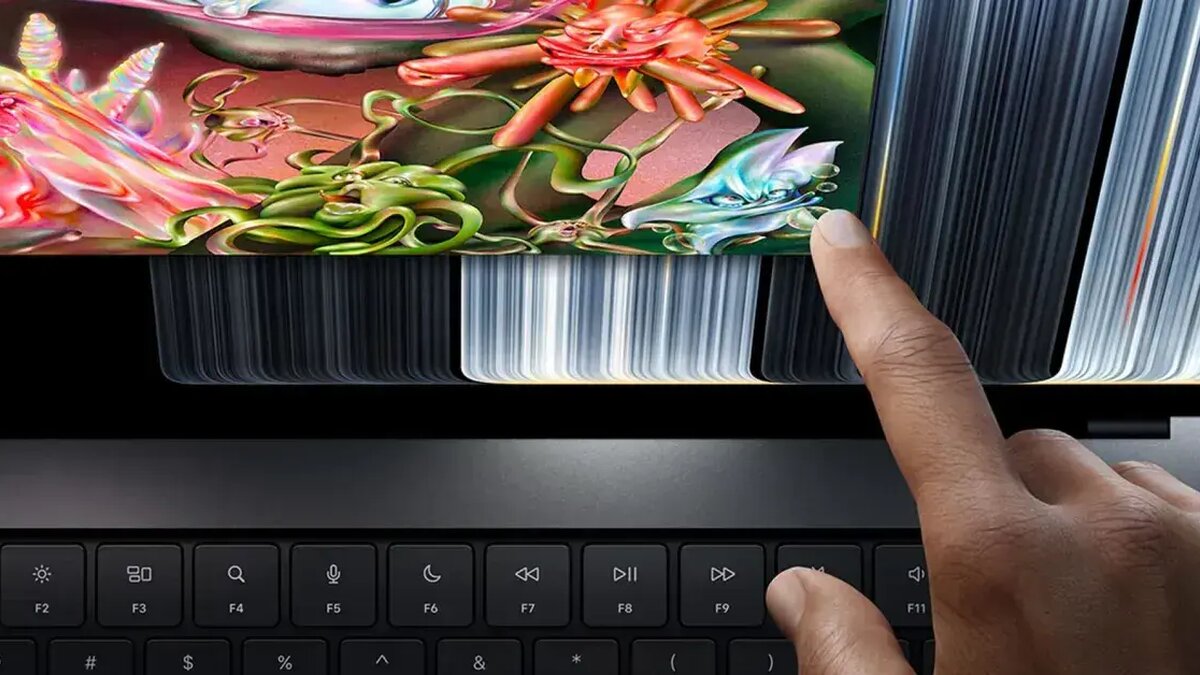
Apple unveiled a MacBook Pro with a touch display, and macOS 27 Golden Gate adds screen gestures and larger controls to support it. The changes bring familiar trackpad actions to the laptop’s display and make menus easier to use by touch.
The laptop is Apple’s first MacBook with a touch display. For app developers, the update also means they can navigate the iOS simulator directly by touching the screen rather than reproducing gestures on a trackpad.
How here’s macbook pro macos changes touch controls
Apple enlarged the traffic-light window controls in the top-left corner when users tap them. Items in menu bar context menus also grow slightly during touch interaction, while many optimized apps offer larger touch targets even when their buttons do not look bigger.
Small changes, practical effect.
Users can perform several familiar trackpad gestures on the display. A three-finger swipe up opens Mission Control, and three-finger swipes can switch between spaces. Pinch-to-zoom and webpage scrolling also work through touch.
Spotlight is accessible from Dynamic Island, following an interaction Apple uses on iPhones with iOS 27. The change places search within the laptop’s touch interface, alongside the gesture-based controls.
For developers, direct touch navigation in the iOS simulator is a notable workflow adjustment. They can interact with the simulator on the MacBook screen, without trying to reproduce touch input through a trackpad.
What else is changing in macOS 27?
Apple has also added pull-to-refresh in Safari. Menu bar items have slightly more spacing across all Macs running macOS 27, extending that adjustment beyond the new touchscreen MacBook Pro.
The updates combine device-specific controls with changes available across Macs on the operating system. Larger targets address the precision needed when tapping interface elements, while existing gestures offer another way to navigate windows and web pages.
That could affect how users move between touch and trackpad interaction during everyday tasks. App developers also gain a direct way to test touch behavior in the iOS simulator, rather than relying on trackpad gestures to imitate it.
Apple says more touch optimizations for the Mac are on the way. The company pointed to the next WWDC as a likely place for further developments, but did not detail what those changes will include.