Football Manager 27 Free Preview Runs Until November 3: How to Install
Football Manager 27’s free Launch Preview runs until November 3 on PC and Mac. How to claim it on Xbox.com or the Xbox PC app, and how to keep playing after.
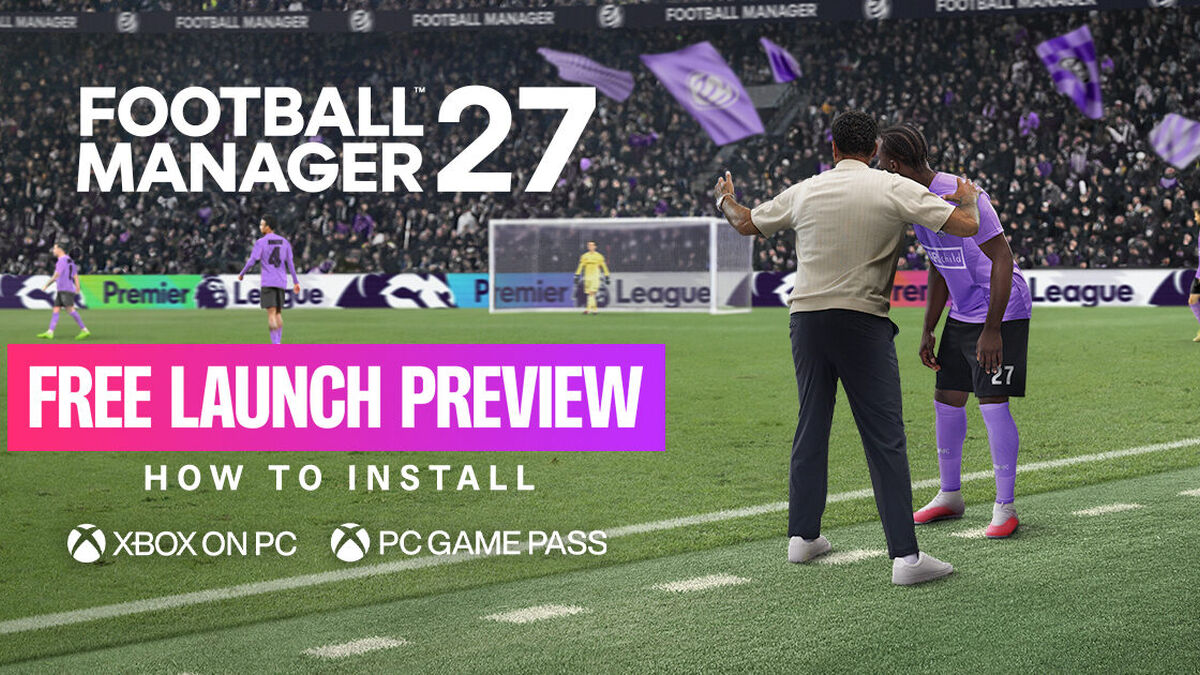
Football Manager 27’s free Launch Preview is available on PC and Mac until November 3, and the FM27 free play install process starts on Xbox.com or in the Xbox PC app. The access window matters: PC Game Pass and Xbox Game Pass Ultimate subscribers can continue playing from November 3, ahead of the full launch on November 10.
Here is what to check before installing. The steps differ slightly depending on whether you claim the preview on Xbox.com or find it in the PC app.
1. Check the access window
The Free Play Launch Preview is available until November 3. Football Manager says PC Game Pass and Xbox Game Pass Ultimate subscribers can continue playing it from that date.
Players who do not subscribe to either plan can retain access from November 3 by pre-purchasing FM27 through the Xbox Store. That makes the choice of access route relevant before the free period ends.
2. Do you need a Game Pass subscription?
No subscription is needed to play during the Free Play period. The preview is available via Xbox.com and the Xbox PC app until November 3.
After that, the stated continuation options are a PC Game Pass or Xbox Game Pass Ultimate subscription, or pre-purchasing FM27 from the Xbox Store. The full game is scheduled to launch on November 10.
3. Find the preview on Xbox.com
Open Xbox.com and search for “Football Manager 27” if you need to locate the listing directly. Choose the “Add-Ons” option, then select “Football Manager 27 Launch Preview.”
Use the “GET” button and sign in to your Microsoft account to confirm. This is the claim step; the next steps take place in the Xbox app.
4. Install it through the Xbox app
Open the Xbox app and sign in with the same Microsoft account used on Xbox.com. Search for “Football Manager 27,” find the game, then select “Install.” Play once the installation is complete.
Account consistency matters here. The instructions specify using the same Microsoft account for the web claim and the app installation.
5. Or install from the Xbox PC app
Open the Xbox PC app on your desktop and sign in to your Microsoft account. Search for “Football Manager 27,” then look for “Football Manager 27 Launch Preview” in the “Add-ons” section.
Select the preview and choose “Install.” Once installed, launch it from the Library in the app’s sidebar.
6. Confirm which listing you selected
The Xbox.com route directs players to the Launch Preview under “Add-Ons.” The Xbox PC app instructions also say to select “Football Manager 27 Launch Preview” in that section.
That distinction helps avoid choosing the wrong listing: the instructions identify the preview by its full name, rather than simply the main game title.
7. Decide what happens after November 3
If you plan to keep playing when the free period ends, check which access option applies to your account. Subscribers to PC Game Pass or Xbox Game Pass Ultimate can continue from November 3; players without either subscription can retain access by pre-purchasing through the Xbox Store.
Football Manager says the full launch follows on November 10. The free preview window closes on November 3.