Samsung opens One UI 9.5 beta to Galaxy S26 owners
Galaxy S26 owners in six countries can join Samsung’s One UI 9.5 beta through the Samsung Members app. The update adds app locking and camera controls, but Samsung warns that beta software can cause unexpected problems. Returning to One UI 9 requires a factory reset.
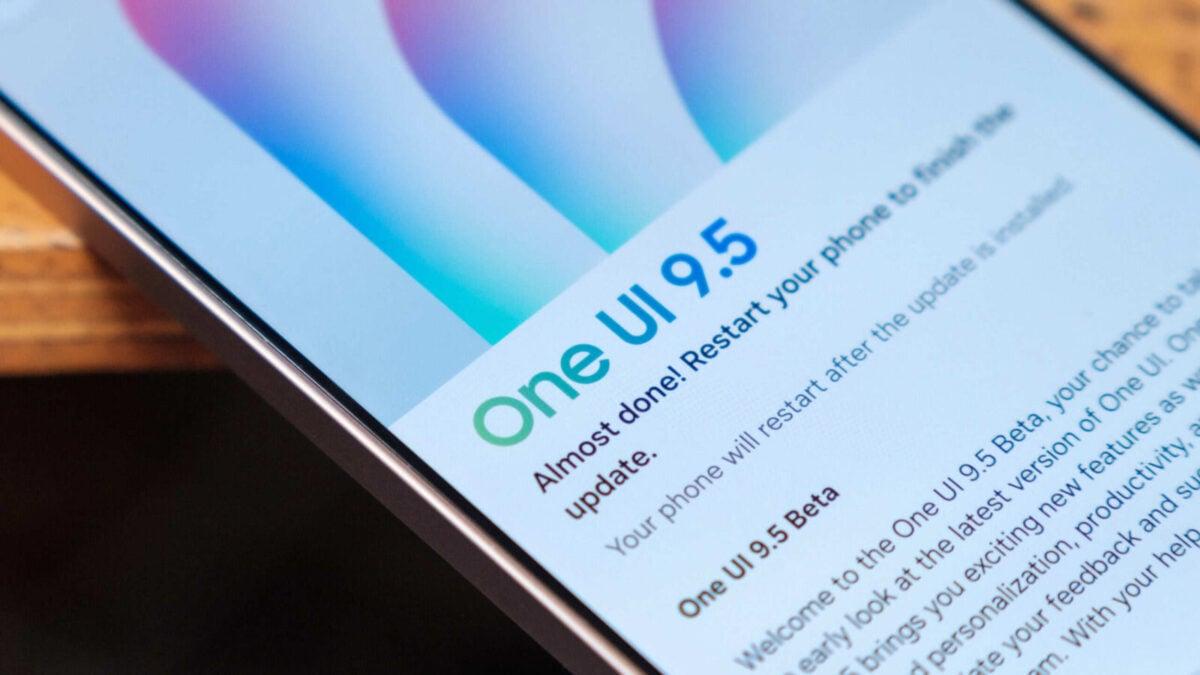
Samsung has opened its One UI 9.5 beta for Galaxy S26 phones in six countries, giving owners an early way to install app locking and other features.
The test is available in the US, UK, India, Germany, South Korea and Poland. Samsung warns that beta updates can cause unexpected problems and recommends backing up the phone before installation.
Returning to the stable One UI 9 release requires a factory reset. Owners who prefer to avoid beta software problems can wait for the public rollout.
Joining through Samsung Members
Galaxy S26 owners must first enroll through the Samsung Members app. Those who have removed it can download it again from the Galaxy Store or Play Store.
In Samsung Members, sign in to a Samsung account and scroll down to Beta Program. Select One UI 9.5 S26 Beta, tap Join, accept the terms and follow the enrollment prompts.
After joining, users can check for updates in the same menu. They can also open Settings, select Software update and tap Check for updates.
The phone should have at least 30% battery before installation, preferably more. Once the download finishes, owners can install it like another software update.
Beta program slots are usually limited, so enrollment may not appear for every eligible phone. Samsung also tends to release access in waves; owners who cannot see the option can check again later.
App locks and camera controls
One UI 9.5 lets users lock individual apps with a biometric credential or PIN without a separate workaround. The Camera app adds custom buttons and presets.
Galaxy S26 Ultra owners can set Privacy Display to activate automatically in locked apps. The option also covers Secure Folder, Private Albums and locked notes in Samsung Notes.
The update adds a live depth effect to the lock screen and a Mindful Note feature. My Files can help clear uncategorized items in the Other storage category.
Backing up and returning to One UI 9
Samsung recommends a backup before installing the beta. Owners can use Smart Switch on a Windows or macOS computer and connect their phone with a USB-C cable.
After tapping Connect on the phone, select Backup in Smart Switch. Checkboxes let users choose which data to save.
To leave the test, open Beta Program in Samsung Members and select One UI 9.5 S26 Beta. Use the three-dot menu to leave, then select a reason and submit it.
Connect the phone to a PC or Mac and open Smart Switch. Select Downgrade and then Continue to download and install One UI 9.
The rollback requires a factory reset. The phone should remain connected throughout the downgrade.
 Take the quizWhat Kind of Holiday Spender Are You? Take the Black Friday QuizStart →





 Lifestyle · Food & HealthWhat Is Raynaud’s Syndrome? Why Fingers Turn White in the Cold
 Lifestyle · Food & Health4 Ways Walking After Meals Helps Your Body, Doctors Say
 Lifestyle · Food & Health4 Reasons to Eat Oatmeal, According to Nutrition Experts
 Lifestyle7 Signs Your Social Battery Is Running Low (and Why You Keep Cancelling Plans)