GTA 6: How to Stream It From Your Console to Your Phone
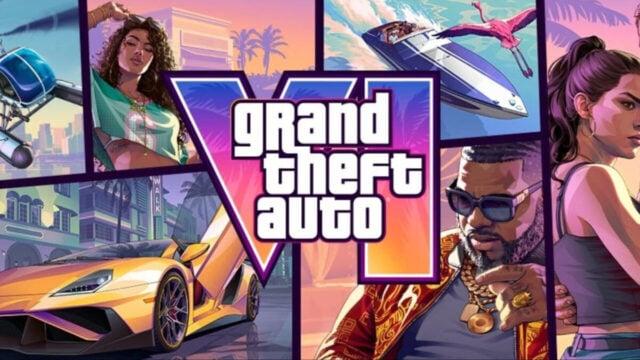
Grand Theft Auto 6 players can stream the game from a PlayStation 5 or Xbox Series X/S to a phone, tablet or computer. Setup differs by console, and both devices need a stable internet connection. A compatible controller can also be paired with the receiving device.
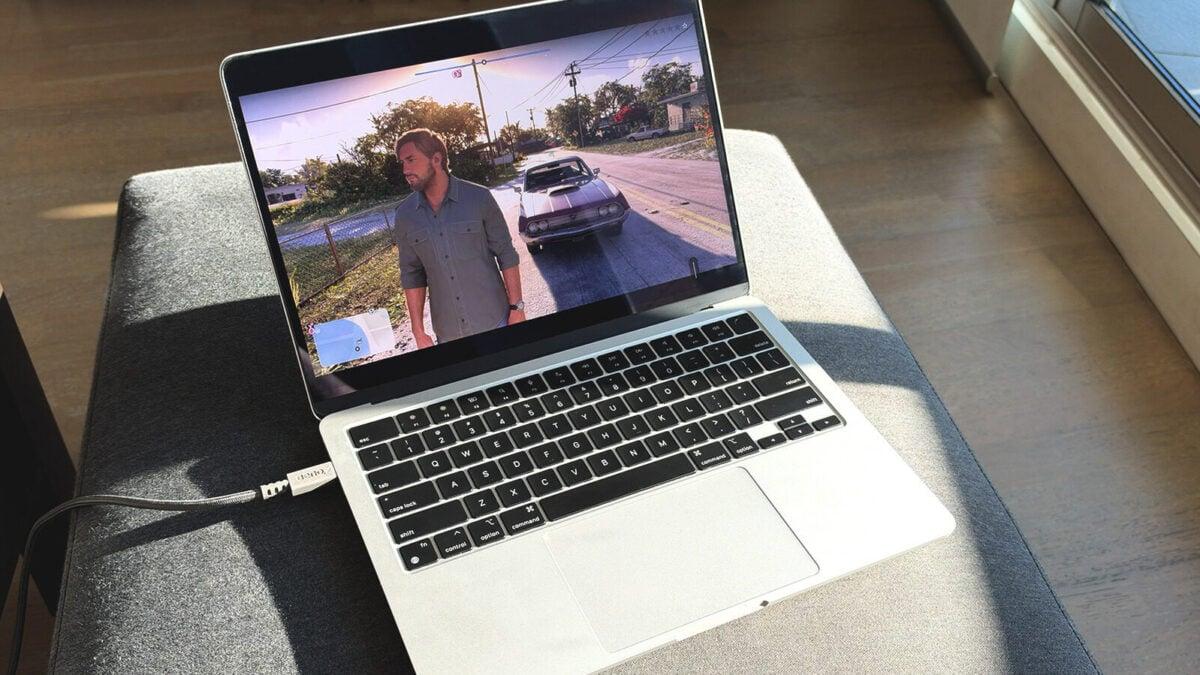
Grand Theft Auto 6 players can stream the game from their PlayStation 5 or Xbox Series X/S to a phone, tablet or computer. Remote play uses the console to run the game, so players need a purchased and downloaded copy and a stable internet connection at both ends.
Unlike cloud gaming, which uses remote servers and often requires a subscription, remote play sends video and audio from your own console. The receiving device can be an iPhone, iPad, Mac, Android phone or Windows PC.
The console and receiving device do not need to share a network. Sony recommends a connection speed of 15 Mbps. Xbox suggests a 5GHz Wi-Fi network with a speed of at least 7–10 Mbps.
On-screen controls may be available, though a compatible gamepad, such as a DualSense or Xbox controller, offers another way to play.
Set up PlayStation Remote Play
PlayStation 5 owners can use the PS Remote Play app on Android, iOS, macOS or Windows. First, turn on the console and open Settings > System > Remote Play. Switch on Enable Remote Play.
To wake the console remotely, return to Settings and open Power Saving > Features Available in Rest Mode. Turn on Stay Connected to the Internet and Enable Turning on PS5 from Network.
Download and open the PS Remote Play app on the device you want to use. Sign in with the same PlayStation account used on the console, then select the PS5 from the available devices.
Once connected, open the console’s game library and launch GTA 6. To pair a DualSense controller, hold the PS and Create buttons until it flashes blue. Select DualSense Wireless Controller in the device’s Bluetooth settings.
Use Xbox remote play
Xbox Series X/S owners can stream through a browser after enabling remote features on their console. Open Profile & system > Settings > Devices & connections > Remote features, then turn on Enable remote features.
Under Power options, select Sleep. On a phone, tablet or computer, open the Xbox remote play website and sign in to your Microsoft account. Select your console and choose Remote play on this device.
To connect an Xbox controller, hold its Pair button for three seconds. Then add the controller through the receiving device’s Bluetooth settings.
Xbox One users can also play GTA 6 through Xbox Cloud Gaming. They need to buy the game digitally, and the Game Pass Ultimate tier includes 15 hours of cloud playtime per month.
 Take the quizWhat Kind of Holiday Spender Are You? Take the Black Friday QuizStart →
- 1Stock Market Today: Dow Slides 1.34% and VIX Jumps 15% at Midday

- 2Joachim Klement to Sell Stocks After S&P 500 Signal

- 3Stock Market Today: Nasdaq, S&P 500 Futures Slide as AI Selloff Deepens
- 4Kenneth Walker’s Groin Injury Puts Cardinals Game in Doubt
- 5Pat Cummins Faces Captaincy Doubts From Mitchell Johnson

 Markets · FintechHow to Calculate Compound Interest: Formula, Examples and the Rule of 72
 Lifestyle · Food & HealthNormal Blood Pressure Chart by Age: Healthy Ranges Explained
 Lifestyle · Food & HealthWhat Is Raynaud’s Syndrome? Why Fingers Turn White in the Cold
 Lifestyle · Food & Health4 Ways Walking After Meals Helps Your Body, Doctors Say