Adobe Unveils Tools for Photoshop Relighting and AI Restyling
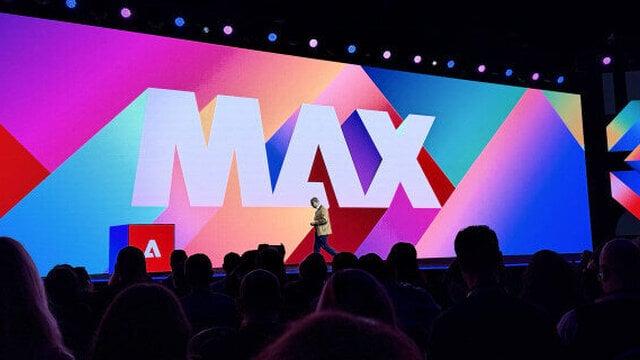
Adobe has added AI-assisted editing features to Photoshop, including tools to adjust light sources and generate stylistic variations. The company also announced beta features for Photoshop and new editing and audio tools for Premiere at its Adobe MAX event.
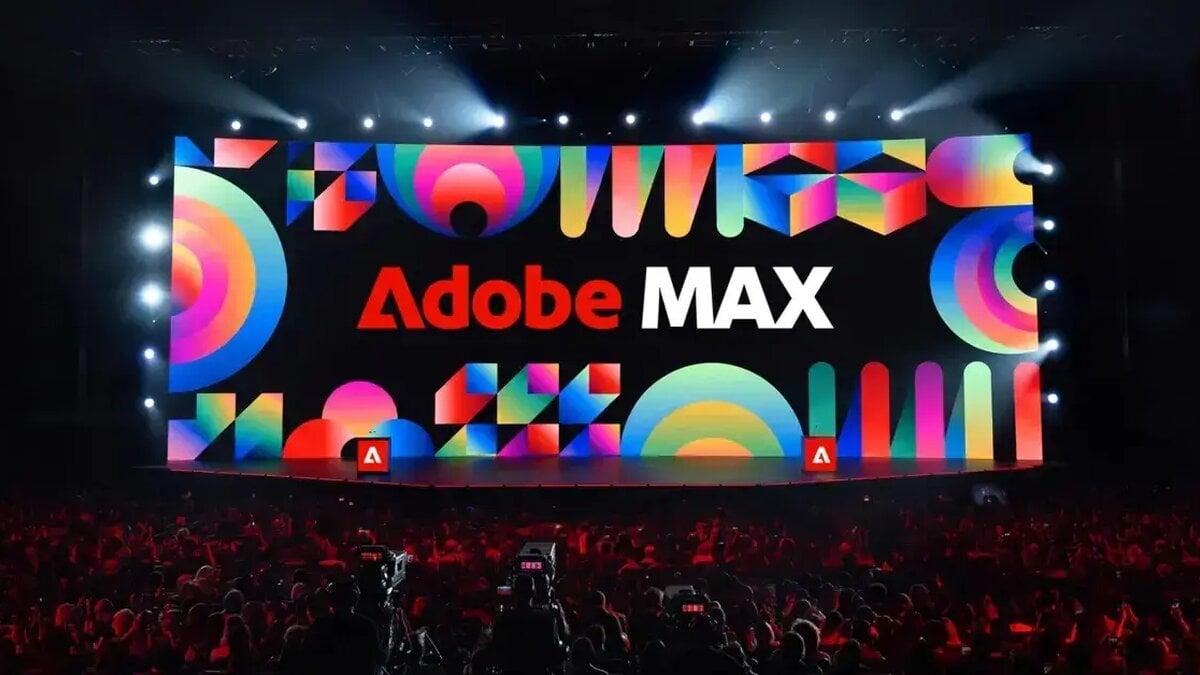
Adobe unveiled new AI-assisted editing tools for Photoshop at its Adobe MAX event, including controls to reposition light sources and generate image-style variations. The features are beginning to roll out across Adobe’s creative apps.
Photoshop’s Relight tool lets users add, move and resize light sources in an image without permanently changing the original. Generative Restyle uses prompts to create variations of an image’s style, with sliders for adjusting the results.
A Quick Compare slider gives users a way to review before-and-after edits. Adobe also announced several features for the Photoshop beta app.
Photoshop beta adds editing controls
The beta features include Mockups, which composites a design onto an object or surface, and Camera Angles, which lets users explore different viewpoints of an image through on-canvas controls.
Generative Recompose can adjust an image and its related elements to a new aspect ratio while preserving the composition. Convert to Text Layers extracts text from a flattened image and turns it into an editable type layer.
Other beta additions include Timelapse, for capturing and sharing a creative process, and Remove Ambient Effect Only, which targets effects such as lens flare, haze, stray shadows or reflections without removing objects.
Adobe also announced two image-enhancement models following its acquisition of Topaz Labs. Wonder 4 combines upscaling, denoising, deblurring and sharpening in one operation. Image HDR converts standard images into HDR, with improved brightness and detail.
Premiere gains generative tools
Adobe is adding audio tools to Premiere, including Enhance Audio, Separate Crosstalk and Separate Sound Source. A Generative Remove feature is coming to the app’s beta, letting editors remove unwanted objects from a video timeline.
The company described the feature as a way to remove “boom mics and logos or background distractions” directly in the timeline. Premiere is also getting Color Mode, a color-grading tool designed for quick corrections and more advanced adjustments.
A Generative Media Tool will bring video, sound-effects, soundscape and music generation into Premiere’s timeline. Users can generate material such as missing B-roll or background audio using context from an edit, then continue refining it there.
The tool will offer Adobe Firefly and models from Google, Kling, Runway and Luma. Adobe did not give a release date for the Generative Media Tool.
Mobile music and editing features
Adobe said partnerships with UMG and WMG will bring hundreds of thousands of licensed music tracks to Premiere Mobile for non-commercial use. The tracks are available starting today, and users can browse trending songs, featured artists and artist-inspired templates.
Adobe also plans to add agentic features to Premiere Mobile. Quick Cuts will generate a first edit from a user’s prompt and added materials, while an AI Assistant is also in development.
Adobe announced a local Model Context Protocol, or MCP, to let other chatbots access features in its creative apps. Adobe vice president Deepa Subramaniam said the company would use user feedback as it decides which capabilities to expose.
“We are still figuring out where and when and how to draw the line,” Subramaniam said. She said the MCP offers capabilities across Illustrator, Photoshop, After Effects and Premiere.