Grand Theft Auto VI’s HDR Settings Misfire, Analyst Says
Display analyst Vincent Teoh says Grand Theft Auto VI’s HDR calibration does not match the brightness shown during play. He recommends a higher Maximum Brightness setting for some displays and says players should adjust shadow levels in a dark room.

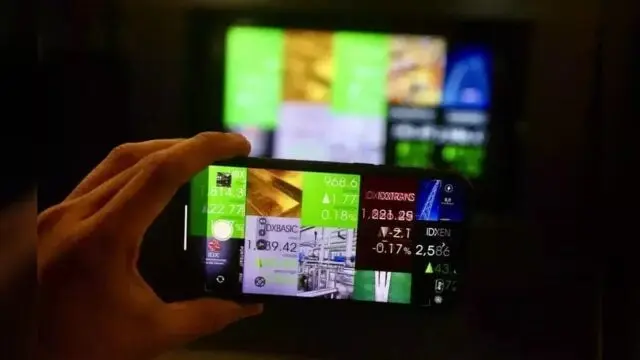
Grand Theft Auto VI’s HDR calibration can produce dimmer highlights than its settings indicate, display analyst Vincent Teoh says. For a display capable of 1,000 nits, he recommends setting Maximum Brightness to 2,000. HDR, or high dynamic range, controls the range between the brightest and darkest parts of an image.
Teoh, a professional calibrator who runs the HDTVTest YouTube channel, says the game also ignores console-level HDR settings on Sony’s PlayStation 5 and Microsoft’s Xbox Series S|X. Players therefore need to adjust the game’s own controls.
Brightness settings differ from gameplay
When Maximum Brightness is set to 1,000, the game’s sun reaches only 600 nits, Teoh found. The sun is the brightest spot in the game. A nit is a unit used to measure display brightness.
Teoh says the calibration pattern and the image during play do not match. His recommended setting of 2,000 is a starting point for displays capable of 1,000 nits or brighter.
The game’s three HDR sliders also affect one another. Maximum Brightness carries over accurately into gameplay only when Paper White is at its default of 50 or higher, according to Teoh.
Paper White controls the brightness of white elements. Lowering it below 50 reduces actual peak brightness during play, even though the test pattern continues to show the selected Maximum Brightness value.
Shadow and midtone adjustments interact
At the default Paper White setting of 50, midtones can become too bright, Teoh found. White interface elements and transitions to a white screen measured around 350 nits, compared with an ideal 203 nits.
That can compress the difference between light and dark areas, making parts of the image look flat or washed out. Lowering Paper White introduces another complication: raising Black Levels above 0 gradually lifts the black floor, making shadow adjustments more sensitive.
For fine-tuning, Teoh recommends turning off room lights so players can judge shadow and highlight details after their eyes adapt. He then suggests setting Black Levels to 0 and hiding the interface.
Players should slowly raise Black Levels until the checkerboard background just becomes visible, Teoh says. On his Sony HX3110 mastering monitor, that point was 20.
 Take the quizWhat Kind of Holiday Spender Are You? Take the Black Friday QuizStart →
- 1Stock Market Today: Dow Slides 1.34% and VIX Jumps 15% at Midday
- 2Joachim Klement to Sell Stocks After S&P 500 Signal

- 3Kenneth Walker’s Groin Injury Puts Cardinals Game in Doubt

- 4Stock Market Today: Nasdaq, S&P 500 Futures Slide as AI Selloff Deepens
- 5Pat Cummins Faces Captaincy Doubts From Mitchell Johnson

 Lifestyle · Food & HealthNormal Blood Pressure Chart by Age: Healthy Ranges Explained
 Lifestyle · Food & HealthWhat Is Raynaud’s Syndrome? Why Fingers Turn White in the Cold
 Lifestyle · Food & Health4 Ways Walking After Meals Helps Your Body, Doctors Say
 Lifestyle · Food & Health4 Reasons to Eat Oatmeal, According to Nutrition Experts