7 Best Live Streaming Links 2026: How to Download Safely
JAKARTA, JOURNALARTA.COM – Seven official live streaming app links for 2026 are now available through verified app stores and websites, giving users a safer way to install platforms without fake downloads or malware. The main risk is simple: one bad link can expose personal data, permissions, or payment details.
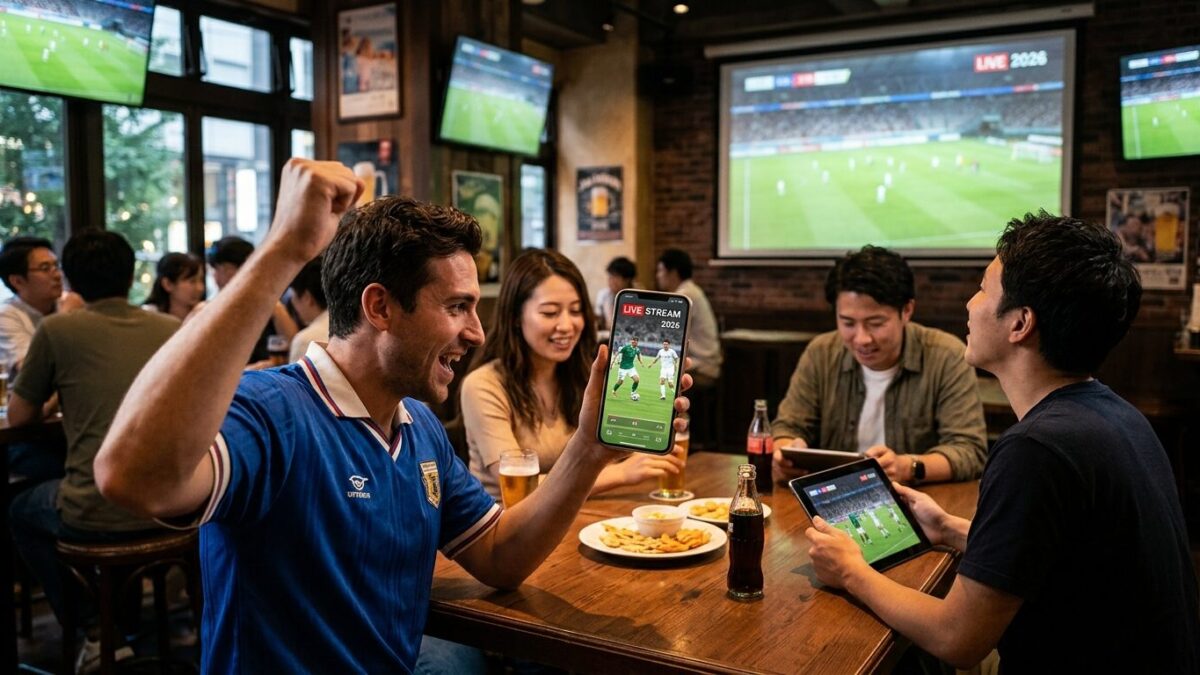
JAKARTA, JOURNALARTA.COM - The 7 Best Live Streaming Links 2026: How to Download Safely are now circulating through official app stores and verified platform websites, giving users a cleaner path to install live-streaming apps without stumbling into fake downloads. The stakes are obvious: one wrong tap can open the door to malware, phishing pages, or data theft.
Live streaming keeps expanding across shopping, gaming, entertainment, and creator businesses. That growth has also pulled in copycat apps and suspicious links shared in chat groups, comments, and private messages. For users who just want to go live, or watch someone else do it, the difference between a real download page and a fake one can be costly.
List of 7 official live streaming app links
1. TikTok Live — official site: https://www.tiktok.com/id-ID/. Users can download TikTok through Google Play Store or the App Store by searching “TikTok.” The live feature activates automatically once an account meets the platform’s requirements. The app is officially registered with Indonesia’s Ministry of Communication and Digital Affairs, and it is known for broad reach and clear payment systems.
2. YouTube Live — https://www.youtube.com/. The app is available on the Play Store and App Store under the keyword “YouTube,” and users can also watch through a browser without installing anything. Google operates the service, which gives it strong security layers and several monetization routes for creators.
3. BIGO Live — https://www.bigo.sg/id/. Search for “BIGO LIVE” in the Play Store or App Store. The platform is licensed to operate in Indonesia and focuses on direct interaction between streamers and viewers.
4. Shopee Live — https://shopee.co.id/. Users only need the main Shopee app from the Play Store or App Store. The live feature sits inside the main app, which makes it popular for buying and selling. Its transaction flow is built for the Indonesian market.
5. Tokopedia Play — https://www.tokopedia.com/. Download the Tokopedia app, then open the “Tokopedia Play” menu. The service sits inside the GoTo Group ecosystem and uses transaction security systems that many local users already trust.
6. Likee Live — https://likee.video/id/. Search for “Likee - Creative Community” on the Play Store or “Likee” on the App Store. Creator competition is not as tight here, which makes the app friendlier for beginners trying to build an audience from scratch.
7. Nimo TV — https://www.nimo.tv/id/. The app is available on the Play Store and App Store using the keyword “Nimo TV.” It focuses on gaming content and still has strong community support for streamers and viewers.
How to safely download live streaming apps
Scams around app downloads remain common. Fake links, cloned apps, and bogus creator-registration fees still move around online, often disguised as urgent offers or special access. That is where many users get caught.
Start with official sources. Download only from Google Play Store, App Store, or the platform’s own website. Avoid links sent by private message or pushed by unverified social media accounts. Those shortcuts often lead to lookalike pages that copy logos, colors, and app names with unsettling accuracy.
Then check app permissions. A live streaming app does not need access to your contacts or SMS just to function. If an installation request looks suspicious, stop there. Reputable apps usually ask only for the permissions they actually need, such as camera, microphone, or storage, depending on the feature set.
Developer identity matters too. Look at the name listed on the app page and compare it with the real company. Names such as TikTok Pte. Ltd. or Google LLC should match the platform you are trying to install. If the developer name looks odd, misspelled, or unfamiliar, treat it as a warning sign.
What users should watch for
All of the links above are publicly accessible and verified. If a link fails to open at some point, the domain may be undergoing an update. The safest fix is simple: type the app name directly into the official app store rather than hunting for another link on social media.
No official app charges a fee just to download or to register as a creator. If someone asks for upfront payment before activation, that is almost certainly a scam. The same goes for requests to move chats to another app, scan a code sent in private, or log in through a strange page that does not match the platform’s official domain.
For consumers, the impact is practical and immediate. A wrong download can steal account access, expose phone data, or redirect payments to the wrong place. For sellers and creators, a fake app can be even worse because it can hijack audience trust and interrupt live income. The safer habit takes only a few seconds, but the cost of ignoring it can last much longer.
That is why the safest route in 2026 still begins with the same step: open the official store, search the exact app name, and check the developer before tapping install.